
PET TRACKER FOR AION 2
Keep your pets
in sight.
Pet ranks, soul progress and places to farm.
Right there while you play.
Free · Open source · Windows 10 / 11
 MADE BY JUKEFOXZERO
01 Souls & ranks
02 Nearby pets
03 Farming maps
04 Merchant picks
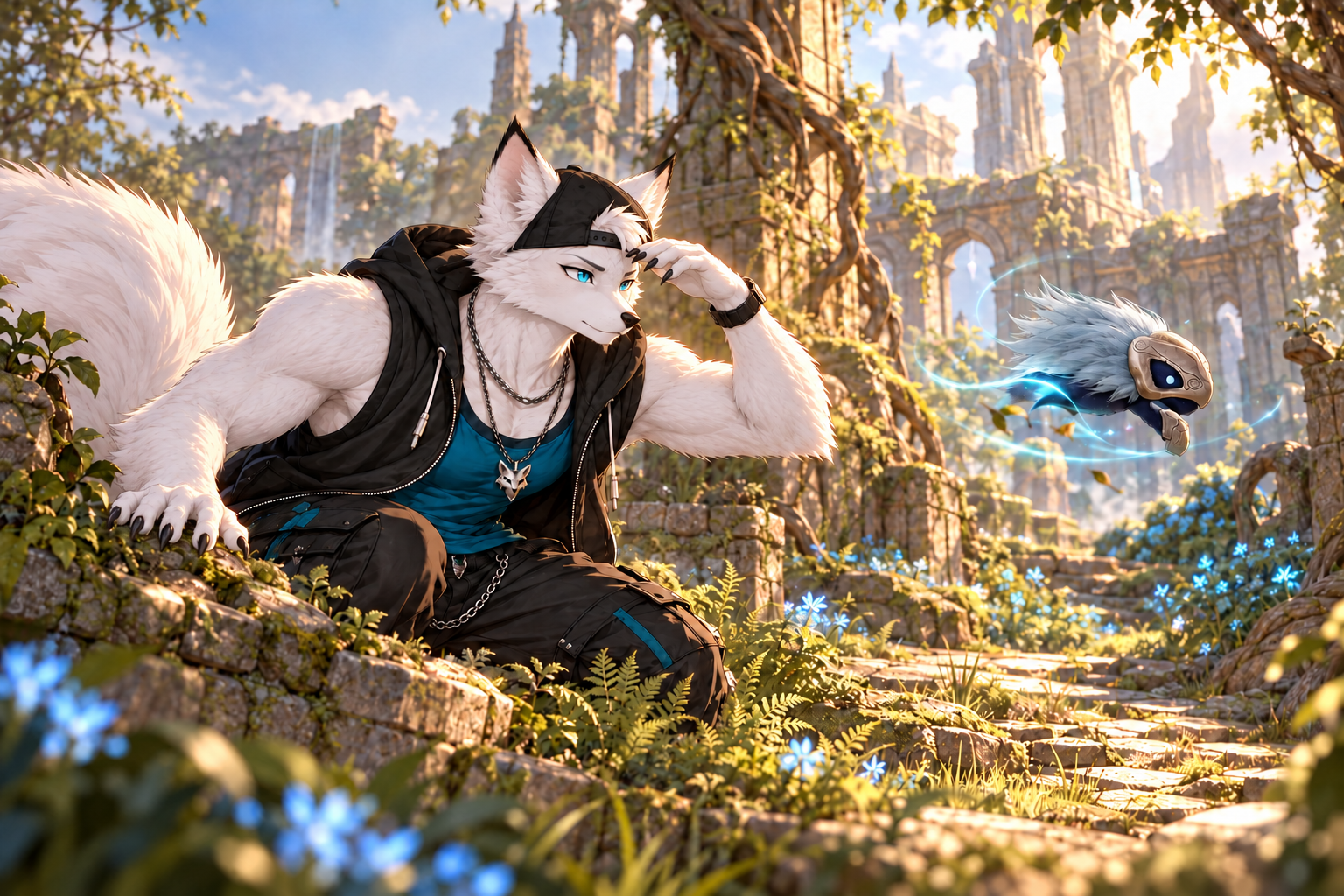 Promotional illustration
LESS MENU CHECKING
Pick a pet.
Find your next spot.
Search your collection, choose a farming goal and check known spawn locations in the same window. Pin the pets you’re working on to keep their progress close.
The Windows tracker includes offline maps for Verteron and Altgard. Map dots are approximate spawn locations, not live mobs or your position.
See the latest changes ↗GETTING STARTED
Up and tracking.
- 1
Install Npcap
It lets the tracker read game traffic on your PC. Already using a meter? You may have it installed.
Get Npcap ↗ - 2
Open Pet Tracker
Install the Windows app, then leave it running before you log into your character.
Get the Windows app ↓ - 3
Log into your character
Your collection syncs at login. Already playing? Return to character selection and log back in.
There’s no separate sync button.
A FEW THINGS TO KNOW
Something look off?
Pet Tracker is still in public testing. These are the common questions and open issues.
My soul counts stopped changing
Check Settings > Help for connection and collection status. Keep the tracker running, return to character selection and log back in to reload your totals. If it happens again, send the pet name, version and whether the game showed a soul reward.
Report a problem ↗The overlay is missing
Use the paw icon in the Windows tray to show the tracker. In Settings > Overlay, try Reposition tracker and temporarily turn off “Only show over Aion 2.”
A new pet is stuck on rank pending
First-unlock recognition still has an open bug. Relogging with the tracker running reloads the rank and total. Please report which pet it happened with.
The merchant list is blank
Enable “Show merchant shopping list in overlay” under Settings > Tracking, then open the shop’s Special and Pets tabs. The list covers eligible chest, merchant and dungeon pets you haven’t maxed. Some blank-list reports remain unresolved.
Tell me which pet is missing ↗Can I use it on Linux?
There’s an experimental Linux source build. It still needs testing with Wine/Proton, and the latest Windows farming windows aren’t included. It isn’t a ready-to-install Linux release.
Linux build notes ↗Is this approved by NCSOFT?
No. This is an unofficial fan project. It reads game traffic passively, but there’s no NCSOFT approval or guarantee against bans.

GOT SOMETHING FOR ME?
Found a bug?
Have an idea?
See what others have reported, or post your own. No account needed.
Feedback board